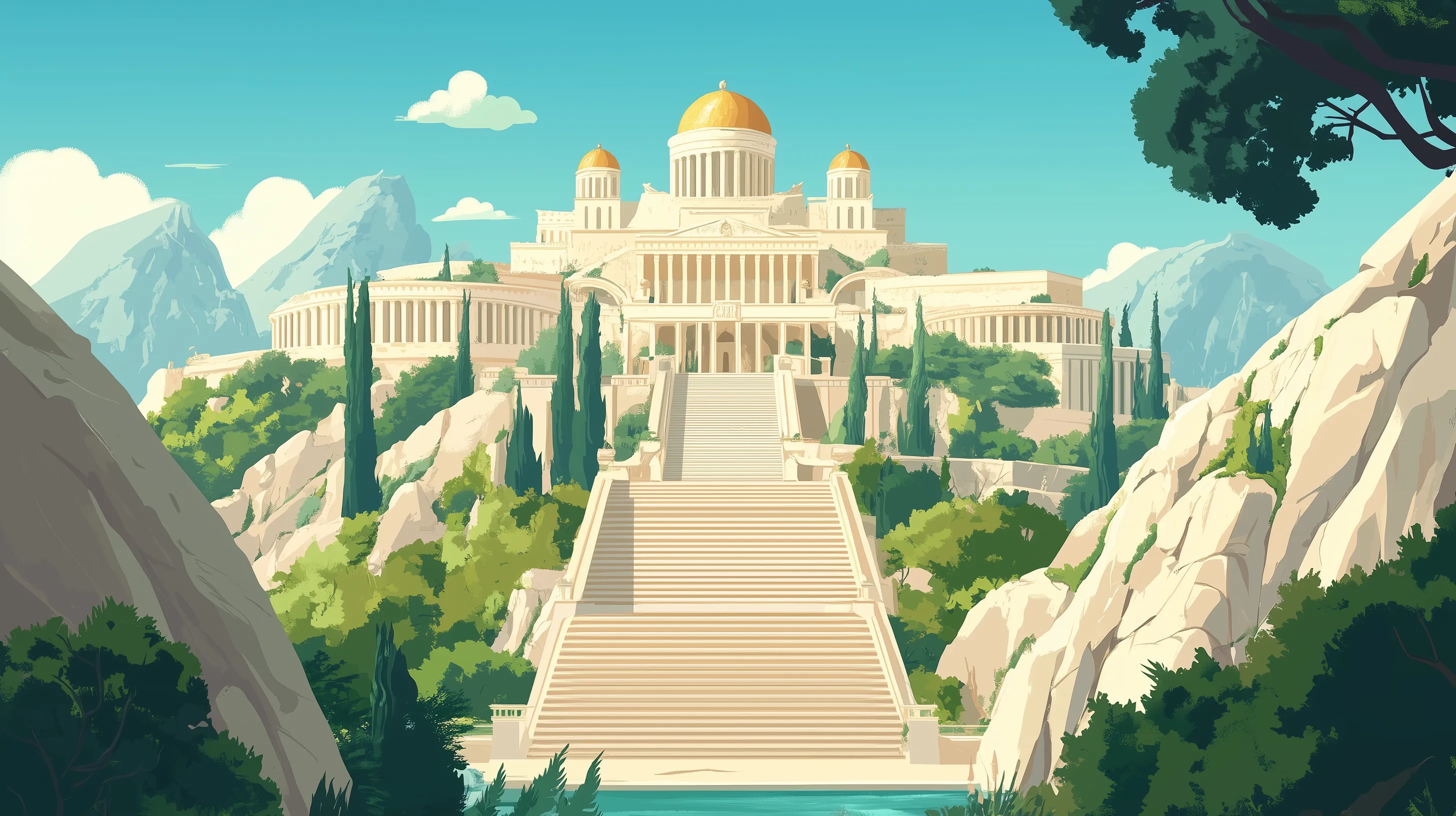
Mariage en Olympe
2025
For our wedding in 2025, my wife and I decided to open the ball with an animated short film. In this short, our characters go on a quest for Apollo’s lyre, which will launch the music for our danse. It was an ambitious four-minute project made over five months, working every evening after work, alongside preparing for the wedding.
Developing the visual style

Initially we wanted to go with 3D animation, but after writing the script and settling the video length, we decided to go with 2D in order to meet our deadline. But 2D doesn’t mean much until you’ve determine on a visual style for the film. So our work began with a research phase. I put together a character reference board to help choose an initial direction.
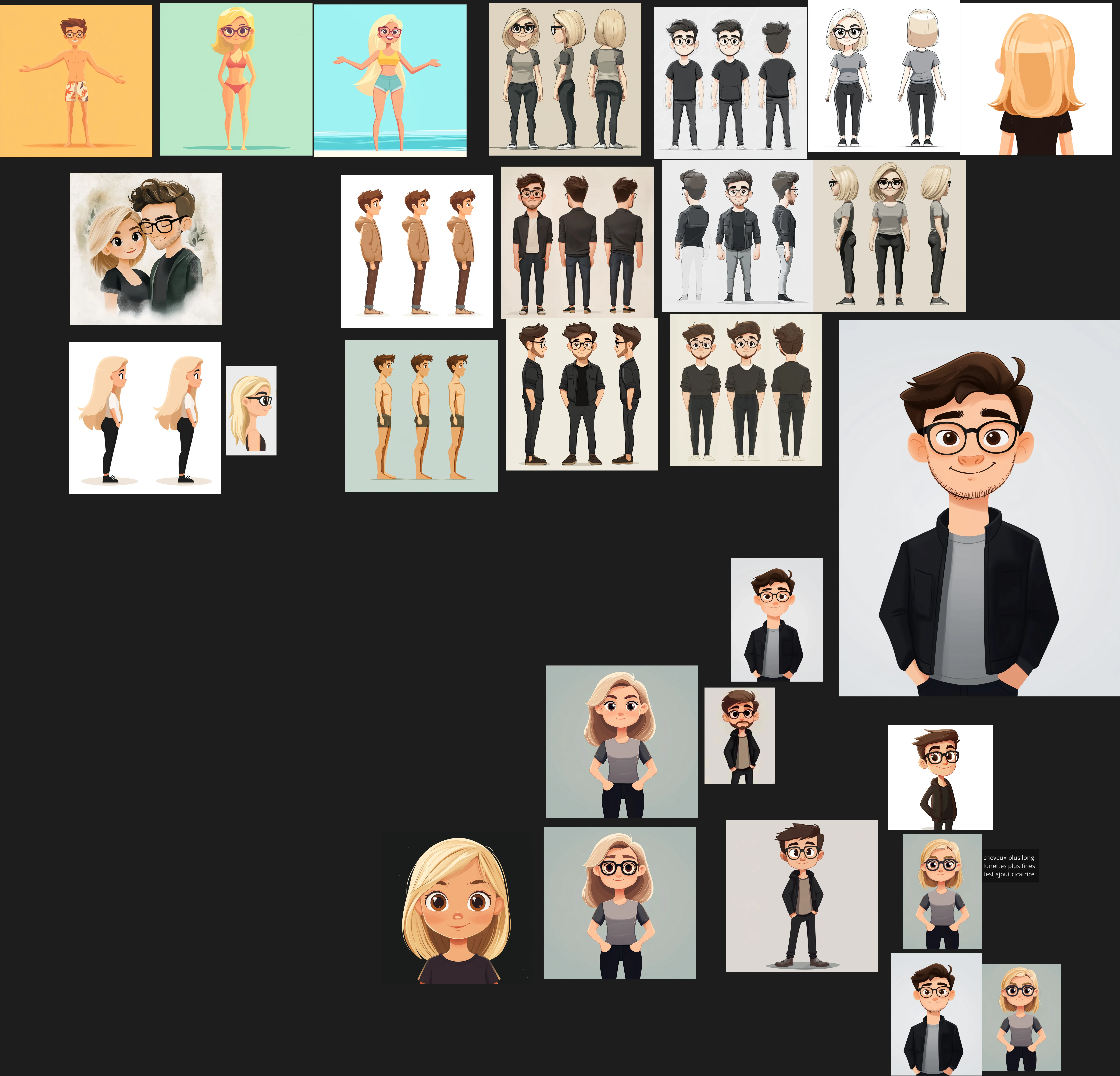
After an initial round of selection, our desired style started to take shape, and we worked to refine it further by applying the styles we liked to our own likenesses. To guide us through this research phase, I used a ComfyUI style-transfer workflow.
Once we’d established the characters visual style, we could then search for backgrounds in a similar graphic language, something close to vector flat design but with an added layer of lighting to bring in some depth. We chose to use Midjourney to create our backgrounds. The platform had just introduced a training feature that let me build a sort of LoRA (Low-Rank Adaptation) to steer my prompts toward the style we were after. For the more complex shots, I used ComfyUI with a drawing or 3D layout as a base. This project was my first serious experience with AI. I was used to draw illustrations, but given the scope of the project and the tight deadline, AI gave us a way to keep our ambitions intact without having to cut back on the story or the quality.
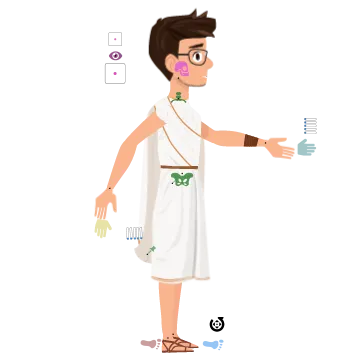
Once the visual style was set, we could move on to production. AI-assisted background production let my wife take charge of that side of things, freeing me up to focus on designing the characters in Illustrator. Since these were meant to be rigged in After Effects, it was essential to build them as vectorials images from the start and organize my layers carefully with rigging in mind.
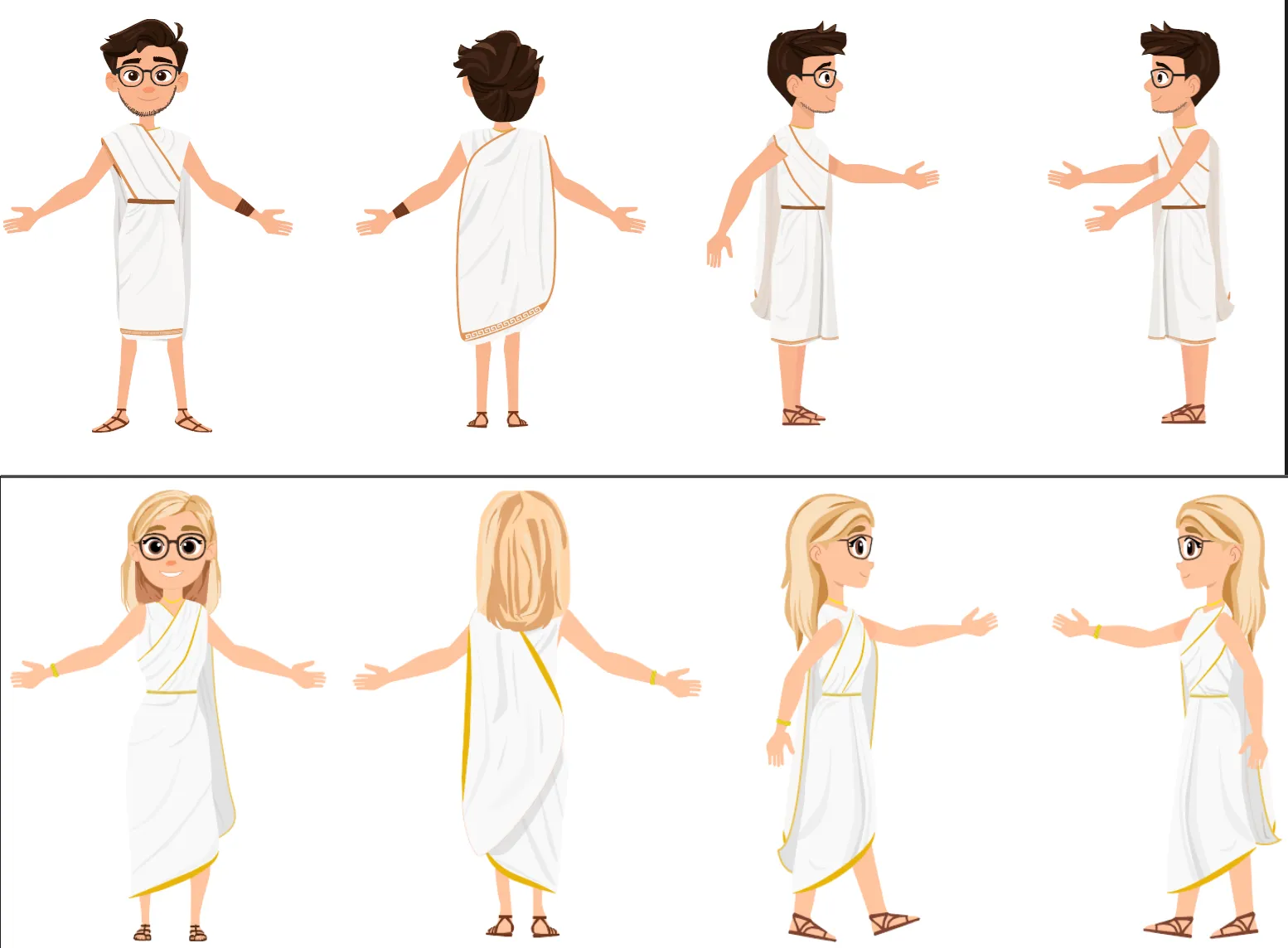
With the characters finished, I was able to use Duik in After Effects to build the rig, a really convenient solution that gave me all the constraints and controllers I needed. That said, real-time playback in After Effects really slows down once the rig gets complex. If I were to do it again, I’d animate in Blender instead.
Let’s talk FX
A few visuals effects add some extra flavor to the film. While some were done in 2D in After Effects, I chose to create several others in Houdini — the fire, sparks, and lightning in particular, as well as the flower petals.
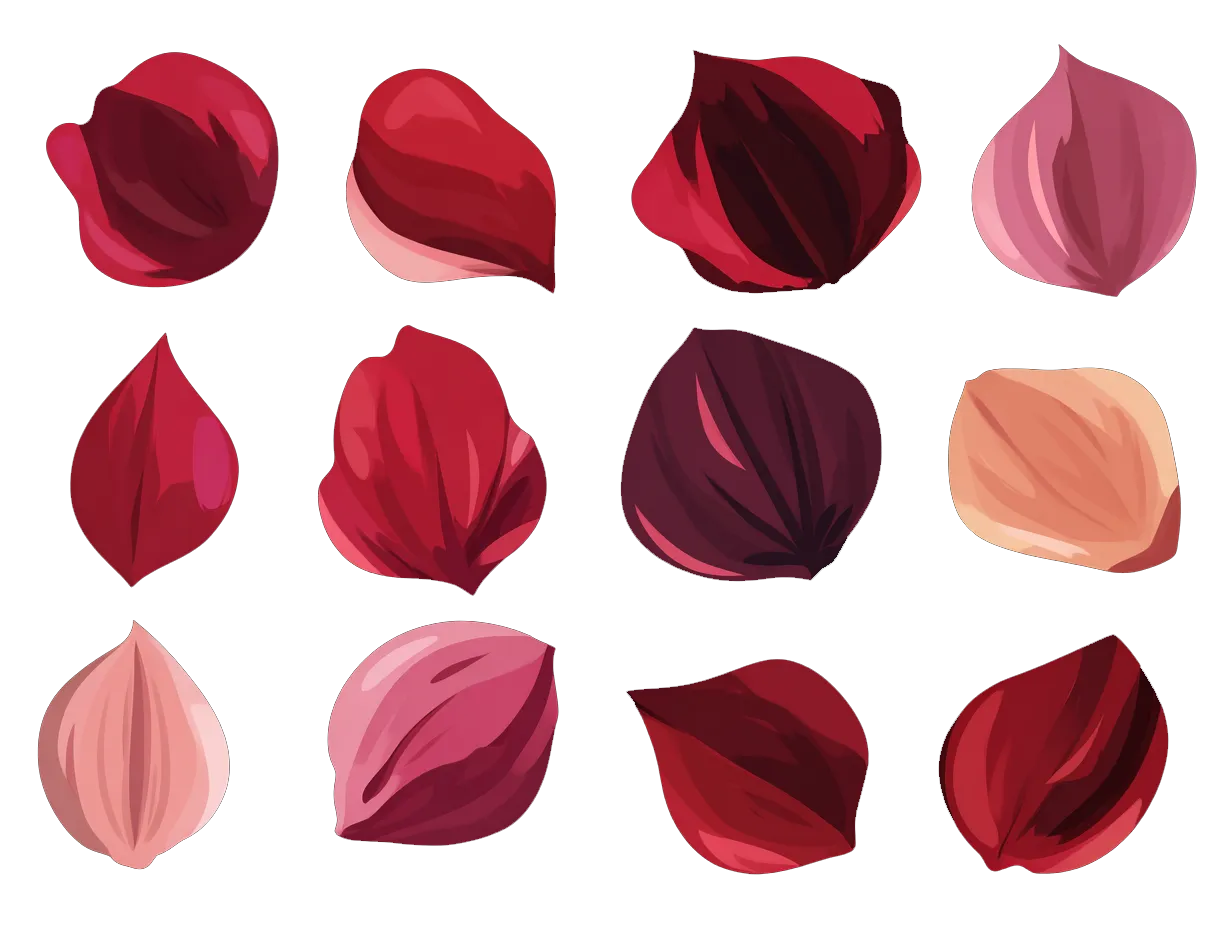
Speaking of petals, this time I used AI to generate sprite sheets of petals, which I then cut up to instance onto particles in Houdini.
This personal project gave me the opportunity to try out a new hybrid 2D/AI workflow, and honestly, it’s pretty effective. In our case, working with no budget, we simply wouldn’t have been able to reach this result in time without this workflow. But working with AI also means accepting that you don’t have full control over your film. In several shots, I had to go back and manually retouch illustrations to fix or better steer the result. You’ll also notice some inconsistency between certain shot/reverse-shot pairings in the backgrounds. That’s not something I’m fully satisfied with, but it’s something I had to accept.