
DD Crowd
Rokoko - Houdini • 2024
Crowd Pipeline Development for “La Cage”
The series La Cage gave Digital District the opportunity to rethink its crowd pipeline. With more than 600 crowd shots, 3 stadiums, changing state, and characters shot at fairly close range, the instance-based system used until then was no longer able to meet the demand.
Cyril Costa and I were asked to create a crowd tool that would be modular : one that would allow us to add agents that are as photorealistic as possible, add clips very easily, and dispatch them across shots efficiently. All of this while keeping render times as short as possible, given the volume of shots to deliver.
At HUG x Houdinimatic in June 2026 in Paris, I had the opportunity to present our tool to the public:
To summarize the talk in a few lines, the workflow we used is as follows:
1. Creating the Agents
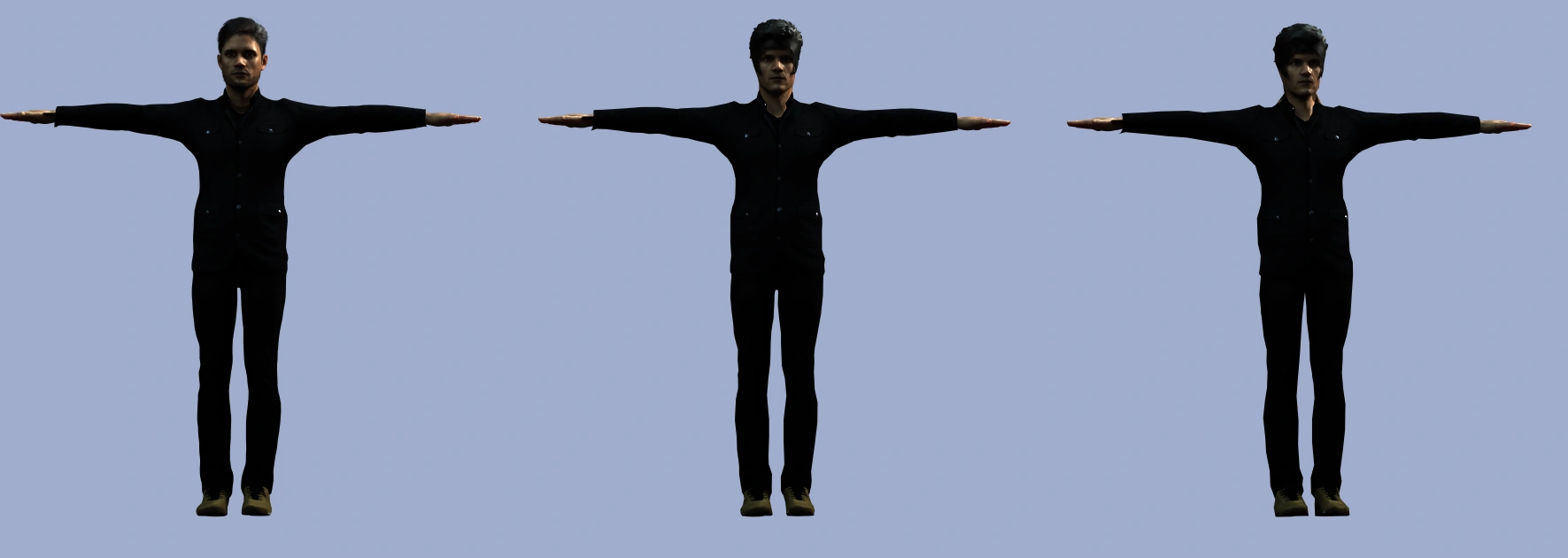
The first step was to create the agents. For this, we used Character Creator, which allowed us to quickly build characters with a rig and multiple outfits. We then created the LODs in Houdini.
2. Building an Animation Library
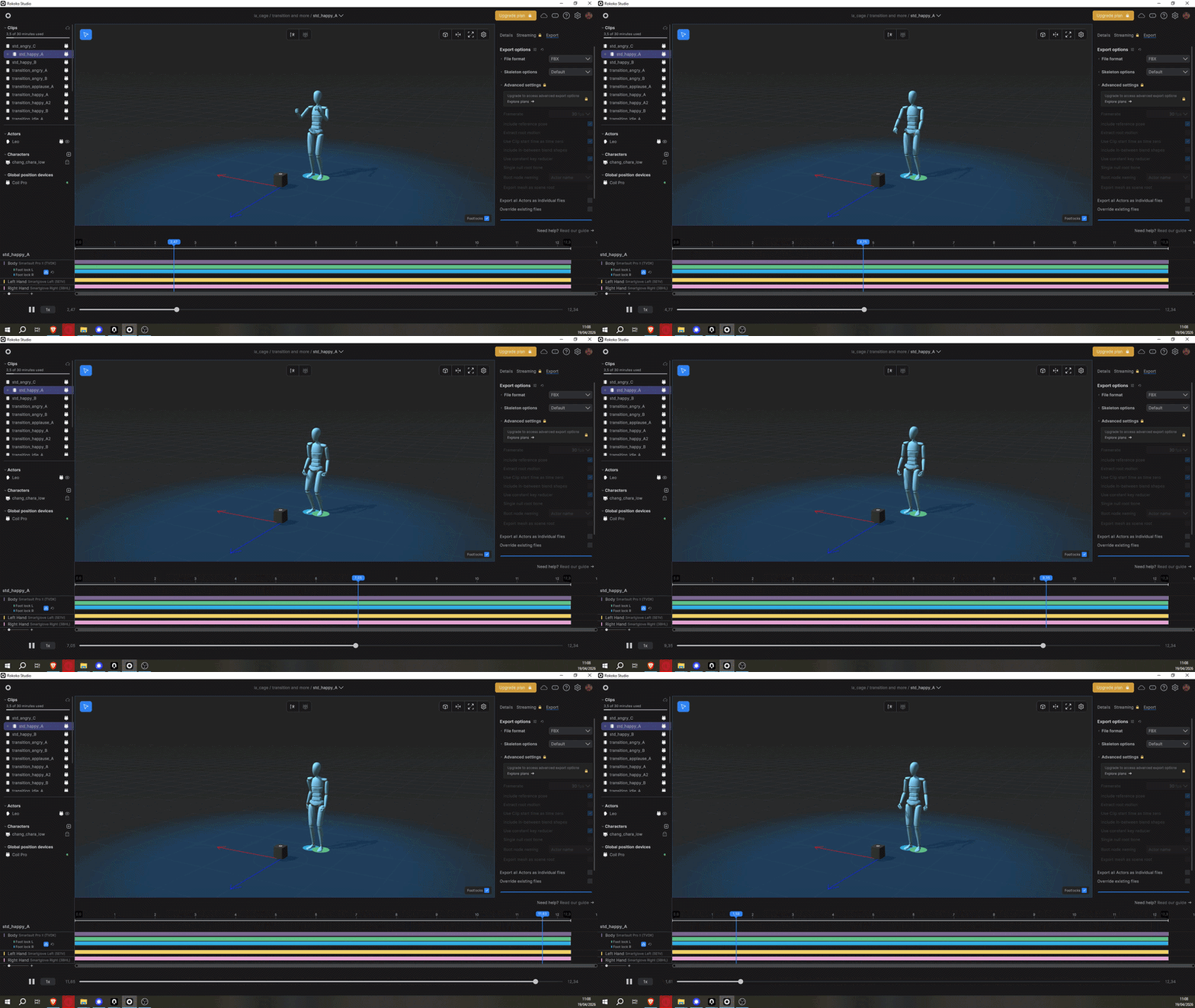
To build up an animation library, the studio invested in a Rokoko mocap suit, which we use to capture our animations.
3. Retargeting and Cleaning
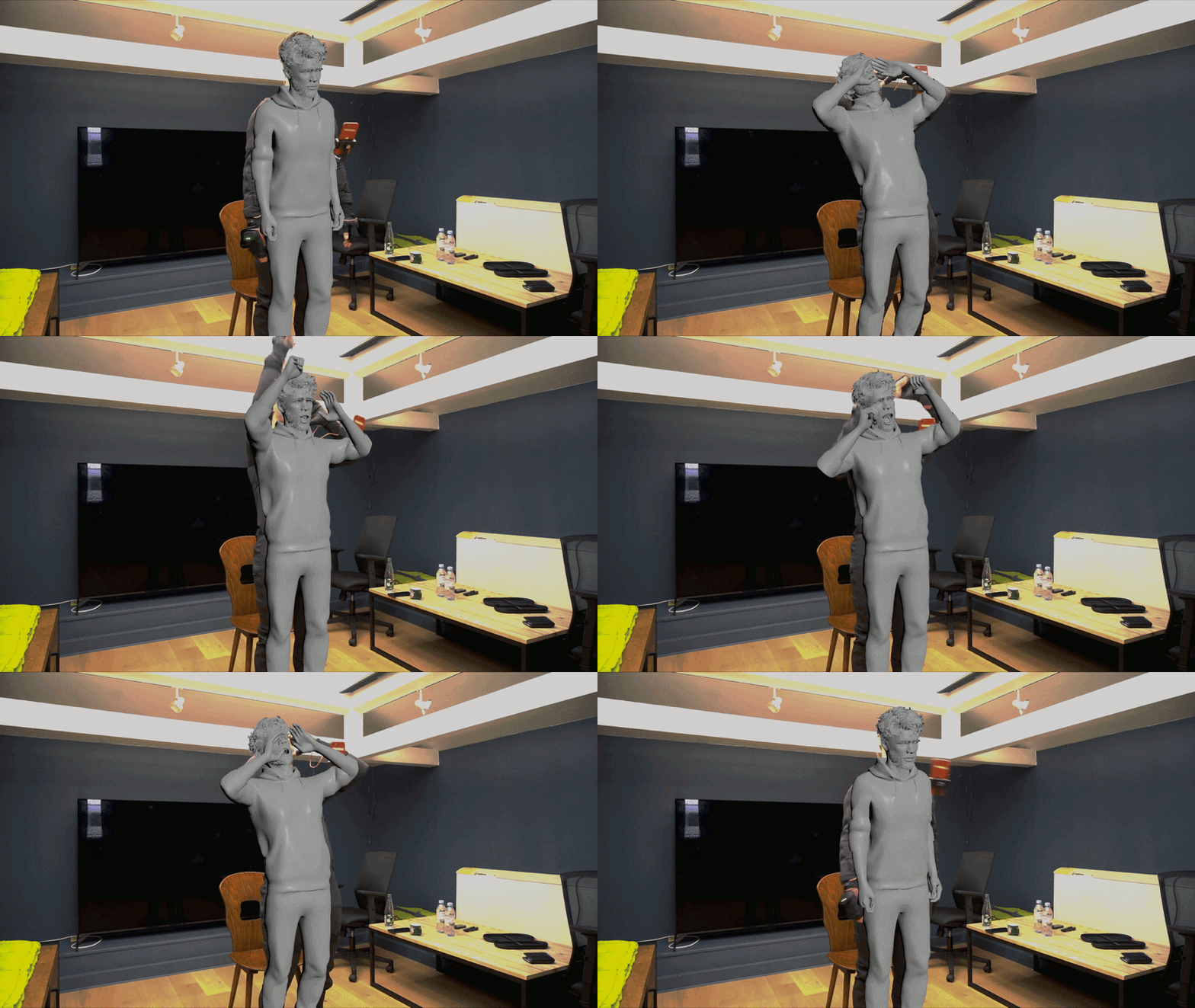
Once the character is built and the animations recorded, we move on to a retargeting and cleaning phase.
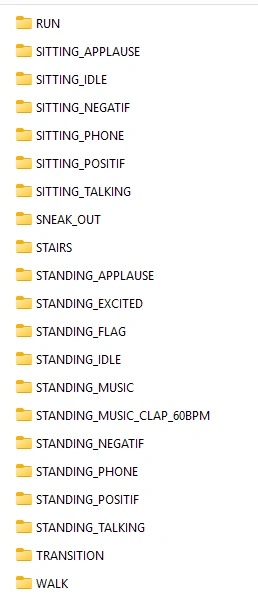
To keep a clean folder structure and avoid mixing animations together, clips are exported by state.
4. Importing Agents
Finally, we import the agents, which contain each outfits layer, props, the rig, and the animations. However, to avoid overloading the agent, animations are imported on demand directly into the crowd simulation scene. We simply select the animation category to import, and the import process automatically retrieves each corresponding clip.
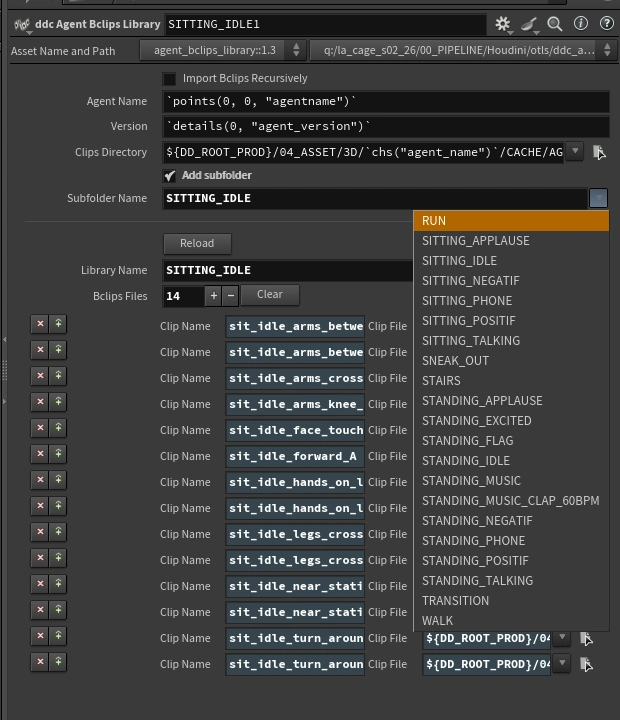
In addition to optimizing the import process, this tool also builds a state dictionary, where each key contains clips corresponding to that state. This dictionary is what drives the state transitions within the simulation.
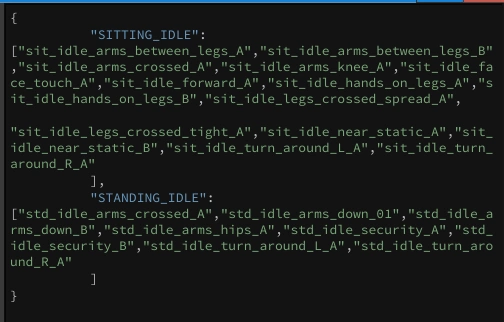
Once the clips are imported, we define the assignment and weighting rules for our agents’ clothing.
5. Simulation
We then move on to the simulation stage. First, we need to prepare our point cloud, which must contain the attributes required to properly initialize the crowd source. At minimum, it should include the following attributes: @id, @orient, @agentname, @random, @seed, @state, and @state_cat.
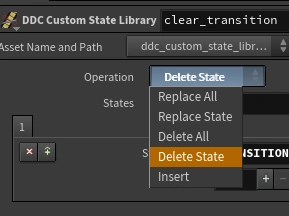
We’ve also built a tool to edit the state dictionary, in case we need to modify the clips contained within a given state or add a custom state for a specific shot.
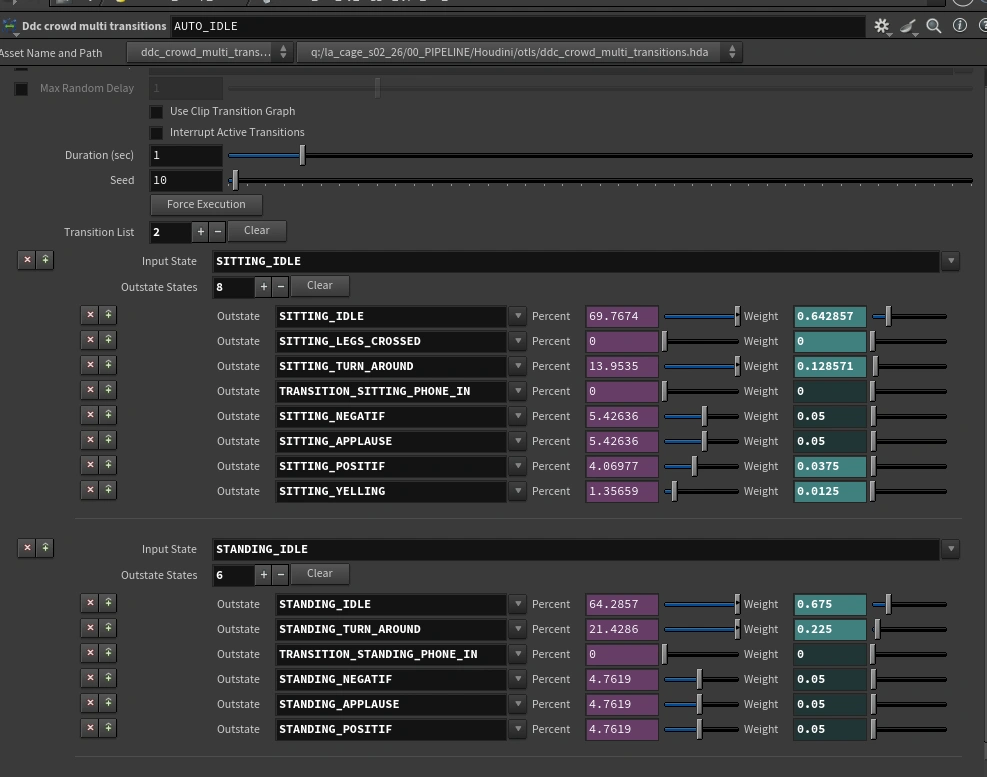
For the simulation itself, we specifically built a custom transition node to replace Houdini’s DOP transition system. Our Multi Transition node allows multiple output states to be defined based on weighted probabilities.
After the playblast, the workflow follows a post-simulation and optimization pass to reduce cache size. The crowd is then rendered in Arnold USD.
This tool is still in use at Digital District for every crowd project. It was usec for La Cage, 4 Zéros, Chien 51, Gourou and Le Fantôme de l’Opéra.